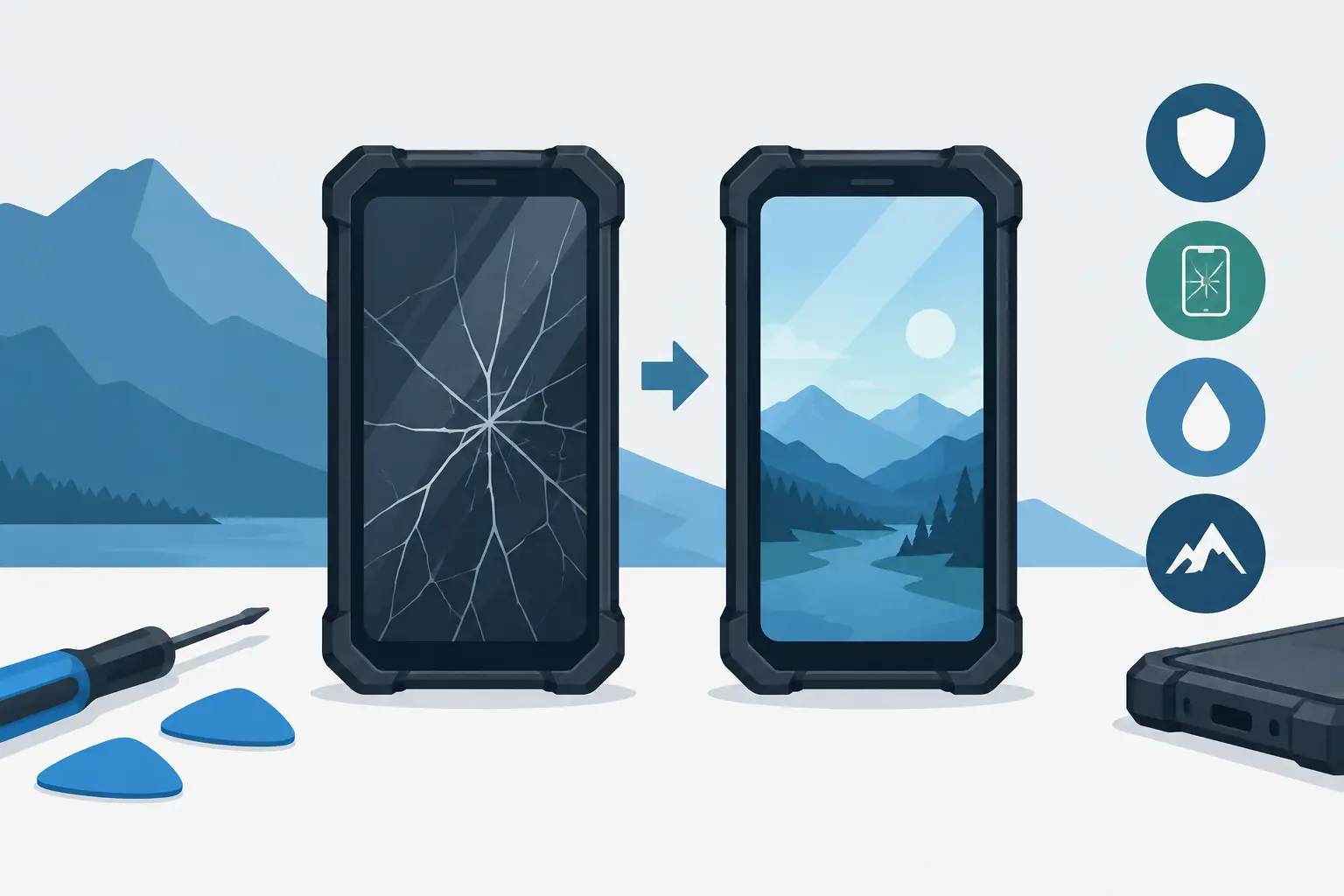
A smashed screen on a work mobile is not a cosmetic issue. It can mean missed jobs, unreadable maps, a camera you cannot use for site records, or a handset that is no longer safe around dust and water. A proper rugged screen replacement needs to restore more than the picture. It needs to preserve the phone’s touch performance, structural fit and, where possible, its environmental protection.
That is where many cheap repairs fall over. A standard smartphone screen can be replaced quickly because the device was designed around consumer use and a fast parts supply. Rugged phones have thicker housings, reinforced frames, bonded display assemblies and sealing points that must be handled correctly. The right repair is the one that gets the mobile back to work without creating a second problem.
A rugged screen replacement is usually a full assembly
When people say “screen”, they may mean the outer glass, the touchscreen layer or the display underneath. On most modern rugged Android phones, those components are bonded together. If the glass is cracked but the display still lights up, it can be tempting to replace only the glass. In practice, this is often a false economy.
Separating bonded glass from the display requires specialised equipment and careful temperature control. Done badly, it can leave dust beneath the glass, weak touch response, uneven brightness or damage that shows up weeks later. For a phone used on a mine site, in a tractor cab or on the back of a ute, a full display assembly is generally the sensible repair.
A quality replacement assembly should include the correct LCD or OLED panel, touch digitiser and front glass already bonded as one unit. It should sit flush in the frame, retain the proper screen resolution and maintain touch accuracy across the whole panel, including the edges. If your phone has glove mode, wet-touch support or programmable hardware keys, these functions should be checked after the repair rather than assumed.
The screen is only half the job
A new display can look perfect on a bench and still leave the phone vulnerable in the field. The real issue is how the assembly is installed.
Rugged mobiles rely on adhesives, gaskets, screws and tightly controlled tolerances to resist water, dust and vibration. Once a screen is removed, the original seal has been disturbed. Reusing old adhesive or fitting a display with a poor-quality frame can create a small gap that is invisible to the eye but enough for moisture or fine dust to enter.
This does not mean every repaired phone automatically loses all protection. It means the repairer must use the correct parts and sealing method, then inspect the fit properly. The tougher the working environment, the less room there is for shortcuts. A mobile that sees light rain on the school run has different demands from one regularly exposed to red dust, wash-down areas, mud and constant temperature changes.
Ask direct questions before approving a repair. Is the part made for the exact model and variant? Will the frame and seals be inspected? Is the replacement display tested for touch, brightness, charging and cameras before handover? If the answer is vague, keep looking.
Why cheap replacement screens cause expensive problems
There is no shortage of generic parts advertised as compatible with rugged phones. Compatibility is not the same as quality. A low-cost panel may power on and respond to touch, yet still have poor outdoor brightness, washed-out colours, weak glass or reduced sensitivity through gloves.
The problems often become obvious when the phone returns to real work. A dim panel is hard to read under Australian sun. A weak digitiser can miss touches when you are entering coordinates or signing a delivery. Poor glass may crack again after a knock that the original assembly would have survived. Some inferior assemblies also place extra strain on the battery, especially if the backlight is inefficient.
There is another concern: fit. Not all factories build replacement components to the same tolerances. A display that is fractionally too thick, too thin or poorly bonded can affect the side buttons, fingerprint reader, proximity sensor or front camera alignment. On phones built for hard use, those details matter.
This is why the cheapest quote is rarely the cheapest outcome. Saving a small amount on a replacement screen is not much help if the mobile has to be repaired again, loses its sealing or lets you down away from town.
Check the model before ordering parts
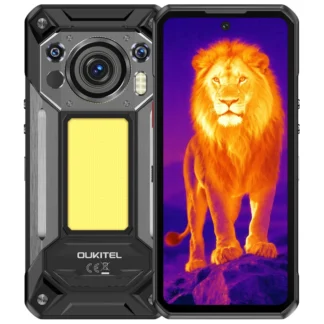
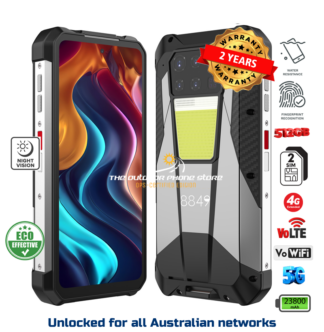
Rugged phone ranges can be confusing. A model name may have a Pro, Plus, 5G or thermal version, and those devices can use different screen assemblies despite looking nearly identical from the front. Network variants sold into different regions may also have different frames or connector layouts.
Before a rugged screen replacement is arranged, confirm the exact model number from the phone’s settings, box or rear label. Do not rely only on a listing photo. If the display is completely dead, check the label on the chassis or paperwork from the original purchase.
It is also worth considering the age and condition of the handset. If it has a swollen battery, a bent frame, damaged charging port or water ingress, replacing the screen alone may not be the right repair. A straight answer is better than fitting a new panel to a device that is already near the end of its useful life.
Repair or replace the whole phone?
For a newer rugged mobile with a healthy battery and sound housing, screen replacement usually makes good sense. These phones are built around big batteries, practical cameras and hardware features that can be expensive to replace like-for-like. Keeping a proven device in service also avoids the time spent setting up apps, contacts, authentication tools and work accounts on a new one.
Replacement may be the better call when the handset has suffered multiple impacts, the chassis is distorted, the battery has degraded badly, or key parts are unavailable. It also depends on what has changed since you bought it. If you now need 5G coverage, longer battery life, thermal imaging or a better low-light camera, putting repair money towards the right current model can be more practical.
The decision should be based on condition, parts availability and the cost of downtime, not just the crack across the screen.
Protect the repair with the right habits
A rugged phone is not indestructible. IP ratings and reinforced corners give you a far better chance after drops and weather exposure, but the display remains the largest exposed surface. A properly fitted screen protector can take the first hit from grit, tools and small impacts. A fitted case can add useful protection where the phone is regularly dropped onto concrete, steel trays or vehicle floors.
Keep charging ports clean and dry, particularly after dusty work. Fine debris around the port or frame can make a phone harder to inspect after an impact. If the screen cracks, avoid repeatedly wetting the device until it has been assessed. A crack is an entry point, even if the display still works normally.
For workers who cannot be without their mobile, the best approach is operational rather than hopeful: use a protective accessory, keep a backup device or SIM plan where practical, and understand what repair or accidental-damage cover applies to your model. Rugged Phones Australia offers screen replacement and accidental-damage protection on select models, but eligibility depends on the device and cover chosen.
What to do when the screen breaks
First, back up the phone if the touchscreen still responds. Then check for deeper damage: lifting around the screen edge, a bent frame, fogging in the cameras, black patches spreading across the display, or a battery that is getting hot or pushing the screen outward. Stop using the phone if you suspect battery swelling.
Take clear photos of the damage before sending it away. Remove the SIM and any microSD card unless instructed otherwise, and record the exact model and IMEI. If the mobile contains work information, follow your employer’s device-security process before handing it over.
Most importantly, do not cover a badly damaged display with tape and pretend it is sorted. Tape may keep loose glass from catching your hand, but it does not restore the screen’s strength or sealing. It is a short-term safety measure, not a repair.
Before authorising work, make sure the repair path suits where the phone earns its keep. A display that looks fine indoors is not enough. You need one that fits properly, works in gloves and sunlight, and gives your rugged mobile a fair chance of surviving the next hard day.