A phone can have a GPS receiver and still be useless for finding the next gate, worksite or track turn-off. That is the part many buyers miss when asking, do feature phones support GPS? The answer is yes, some do – but GPS hardware, location sharing and proper turn-by-turn navigation are three different things.
For workers who need a tough, simple mobile, GPS can be a practical safety feature rather than a luxury. It may help a supervisor locate a vehicle, let family see where a traveller is, or provide coordinates when calling for assistance. But if you expect a basic phone to replace a dedicated GPS unit or a rugged smartphone with offline maps, check the fine print before you buy.
Do feature phones support GPS in Australia?
Some feature phones support GPS, while others do not. Models aimed at seniors, students or basic calling may leave it out entirely. More capable 4G feature phones, especially durable models built for outdoor or work use, are more likely to include GPS and may also support other satellite systems such as GLONASS, Galileo or BeiDou.
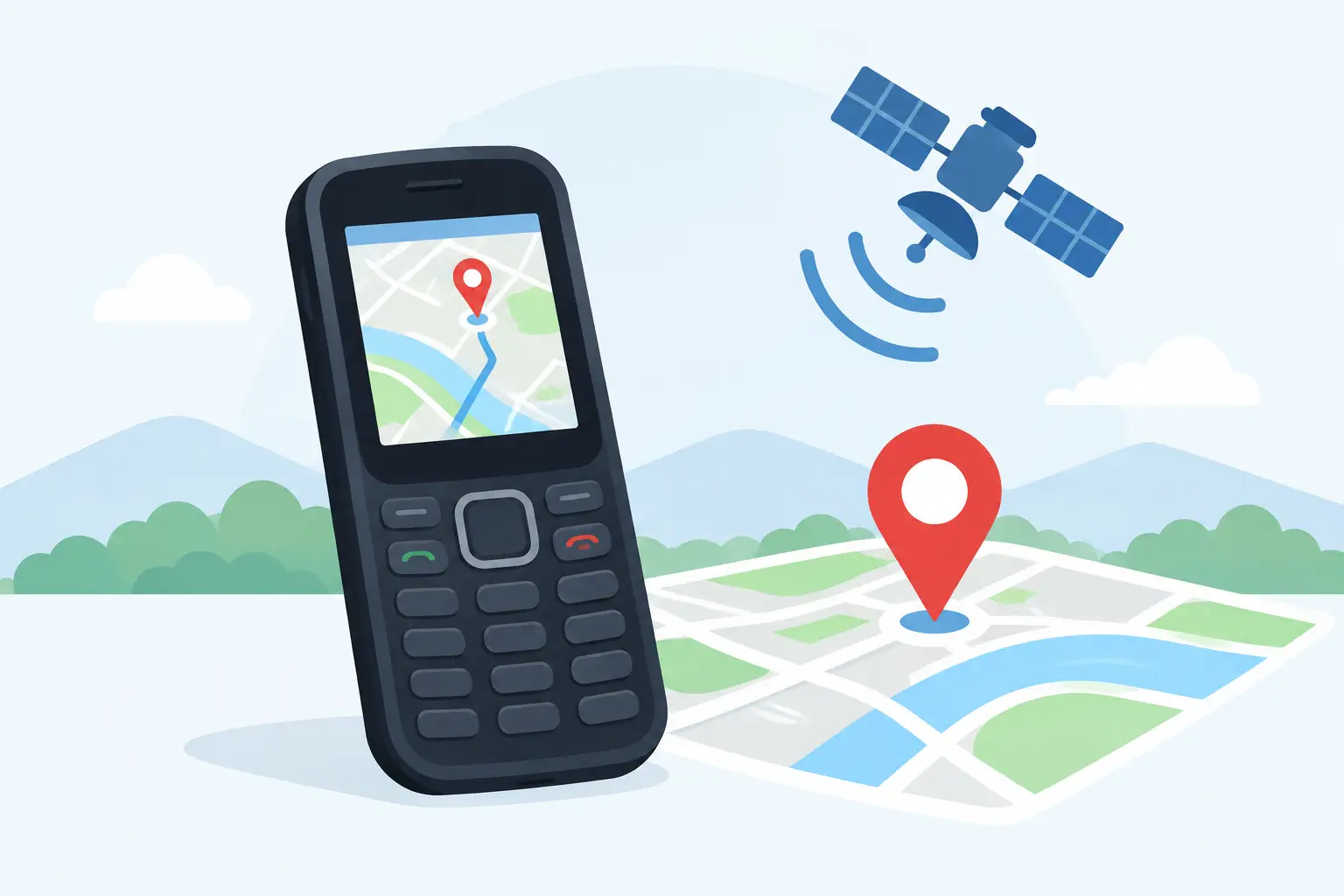
The receiver works by listening to satellites and calculating the phone’s position. It does not need mobile coverage to obtain a location, provided the phone has a clear enough view of the sky. That is useful on a station, in the bush, on a construction site or in a remote vehicle.
What satellite GPS does not provide on its own is a map. For that, the device needs mapping software and usually downloaded map data or an internet connection. A feature phone with a basic operating system may show coordinates but have no practical map screen, no voice directions and no way to search for an address.
GPS location is not the same as navigation
This distinction saves plenty of frustration. A phone specification that says “GPS” only confirms that the handset can determine its location. It does not guarantee a navigation app, offline maps, route recalculation or spoken directions through a vehicle speaker.
There are three common levels of GPS support on feature phones.
Coordinates and emergency location
At the most basic level, a handset can determine latitude and longitude for emergency functions, tracking or location messages. This may be enough for a lone worker arrangement, provided the relevant app or service is supported. It is not a substitute for a mapping device when you need to navigate unfamiliar tracks.
Location sharing and tracking
Some feature phones can send their position by SMS, report to a management platform or allow a trusted contact to request a location. This can be genuinely useful for workers, older family members and school-aged users carrying a restricted phone.
Check how the feature actually works. Some systems require mobile data, an active subscription, a paired app on another phone or a specific tracking service. If the phone is outside coverage, it may still know where it is but be unable to transmit that position to anyone.
Maps and turn-by-turn directions
A small number of smarter feature phones run software capable of maps and navigation. These are usually based on platforms such as KaiOS or Android-derived systems. Even then, the small screen, physical keypad and limited storage make them less comfortable than a rugged smartphone for daily navigation.
They can suit occasional urban directions or a simple backup. They are a poor choice for detailed off-road mapping, mining access roads, remote trail navigation or long runs where offline mapping matters.
What to check before buying a GPS feature phone
Do not rely on a product title or one line in the specifications. Ask what the GPS function is meant to do in the real world. A proper check should cover these points:
- Satellite support: GPS is the baseline. Support for multiple satellite systems can improve the chance of getting a faster, more reliable position, particularly around terrain, trees or built-up work areas.
- Mapping capability: Confirm whether the phone has maps, whether it can run a navigation app, and whether maps can be stored offline. A GPS chip alone will not draw a route.
- Mobile network compatibility: Australian network support matters as much as the GPS receiver. The phone needs suitable 4G bands, VoLTE compatibility and a configuration that works properly after the 3G shutdown.
- Data and Wi-Fi access: Online maps, live traffic, location sharing and address searches need a data connection. If the phone has no data capability, navigation may be limited to preloaded information or coordinates.
- Battery behaviour: GPS tracking and navigation consume power. A big battery helps, but check whether the device can operate GPS continuously and whether it can be charged easily in a ute or machinery cab.
- Physical usability: Small screens are difficult to read in harsh sunlight. For gloved hands, wet weather and vibration, large buttons and a solid mounting option can matter more than another menu feature.
A decent seller should be able to answer these questions clearly. Vague claims about “navigation support” are not enough when the handset is being bought for field work or safety.
The limits of feature-phone GPS on remote jobs
Feature phones earn their place because they are straightforward. They often have physical buttons, long standby time and fewer distractions than a smartphone. Some are also built to withstand drops, dust and rain better than a cheap consumer handset. Those are real advantages when the priority is calls, messages and getting through a long shift.
The compromise is screen size and software capability. Navigation needs readable mapping, route detail, storage and a user interface that does not become painful after ten minutes. A two-inch display may tell you your coordinates perfectly, but it will not make a complex access route easier to follow.
Coverage is another issue. GPS satellites can provide a position beyond the edge of the mobile network, but live maps, tracking portals and location texts cannot work without a way to send data. In remote Australia, a feature phone should not be treated as an emergency beacon. If communications are critical beyond terrestrial coverage, use purpose-built satellite communications equipment and follow your workplace safety plan.
When a feature phone is the right tool
A GPS-capable feature phone makes sense when you need reliable calling, basic location functions and fewer points of failure. It can be a sound option for a worker who already has vehicle navigation, a student who needs contact without unrestricted internet access, or a family member who benefits from a simple handset with location support.
It is also useful as a backup phone. Keep it charged in the glovebox, pair it with a suitable car charger and make sure the SIM, VoLTE calling and location functions have been tested before it is needed. Do not wait until a breakdown on a back road to learn that the phone cannot load maps or does not have usable network service.
When to choose a rugged smartphone instead
Choose a rugged smartphone when navigation is part of the job rather than an occasional fallback. A larger display, offline map capability, better app support and stronger processing make a real difference for transport, farming, field service, surveying support and outdoor operations.
A quality rugged smartphone can also combine maps with photos, job management, barcode scanning, push-to-talk, thermal imaging or night vision, depending on the work. That does not mean every worker needs one. It means the device should match the task, not the cheapest spec sheet.
Rugged Phones Australia takes this approach for a reason: hard-use buyers need equipment that works after the marketing claims have worn off. If GPS is a requirement, decide whether you need coordinates, tracking or full navigation, then choose the phone built to do that job properly. A simple handset is excellent when it stays simple – and a poor substitute when the work calls for more.