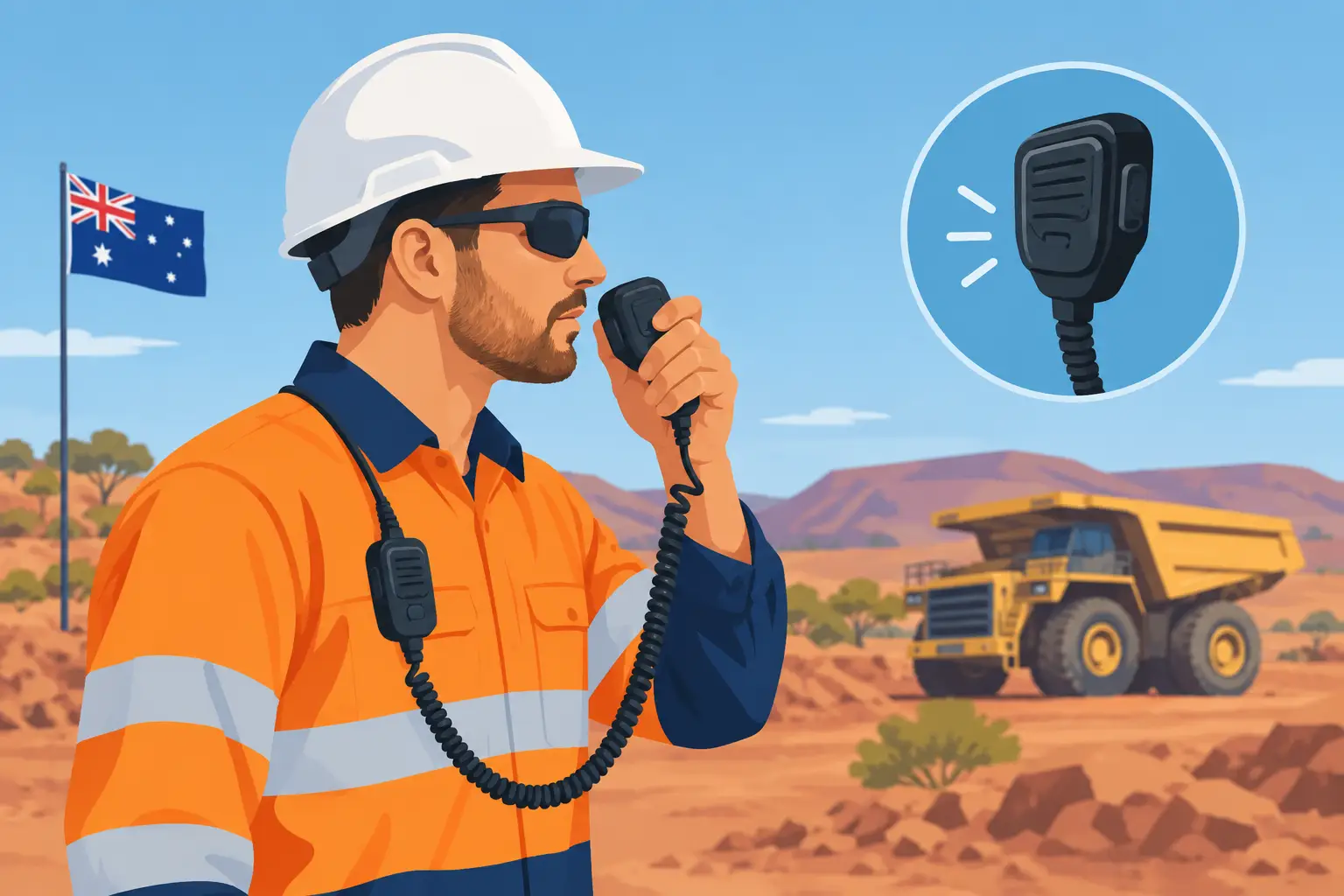
A missed call is a nuisance. A missed instruction beside a reversing truck, across a cattle property or on a noisy work site can be a much bigger problem. Push to talk phones give a crew a fast, familiar way to communicate: press a physical button, speak, release. There is no dialling, no waiting for someone to answer and no need to hold a mobile against a dusty ear.
For the right operation, they can replace a lot of back-and-forth calling and reduce the number of separate devices workers carry. But they are not magic radios, and the wrong phone, network or service setup will let you down when conditions get hard. Here is what actually matters before putting push-to-talk into the field.
What are push to talk phones?
A push-to-talk phone is a mobile with a dedicated PTT button or configurable side key. When paired with a compatible push-to-talk application or carrier service, it lets a user talk instantly to an individual or a group. Most modern systems use the mobile data network, often called PTT over cellular or PoC.
The experience is similar to a two-way radio, but the range can be far greater wherever mobile data is available. A supervisor in Perth can communicate with a driver on the road, a farm manager can reach staff spread across separate paddocks, and a facilities team can organise a response across multiple buildings.
That distinction matters. A conventional UHF or VHF radio talks directly over radio frequencies and can keep working without a mobile network, within its practical range and site infrastructure. A cellular push-to-talk phone relies on network coverage, data access and the chosen service operating properly. One is not automatically better than the other. The best choice depends on where the job happens.
Why crews choose push to talk phones
The real advantage is speed. Group calls can go to an entire team, selected workers or a single contact without building a conference call every time. Dispatchers can see availability on some platforms, create groups for shifts or work zones, and keep communication organised rather than scattered through personal messaging apps.
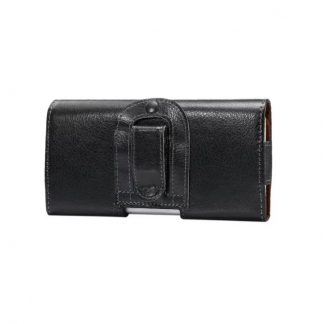
For transport, construction, security, farming and field service work, that can be more practical than asking every worker to use their own consumer phone. A purpose-chosen rugged mobile has a physical control that can be found with gloves on, a louder speaker for machinery noise and a body that is less likely to shatter when it hits concrete or falls out of a ute.
There is also less temptation to treat it like a social device. A dedicated work handset with clearly managed contacts and groups is easier to control than relying on whatever app happens to be installed on an employee’s personal mobile.
Coverage is the first non-negotiable
Do not buy a fleet of phones because the handset has an impressive battery or a big speaker, then discover the work area has patchy data coverage. Test the actual places your people work: sheds, pits, loading areas, back roads, workshop interiors and accommodation blocks. Coverage maps are useful, but a map is not a site test.
If your operation regularly works beyond reliable mobile data coverage, retain UHF, VHF, satellite communications or another approved fallback method. In some remote locations, a radio network remains the correct primary tool. A push-to-talk phone can still be valuable when crews return to coverage, travel between sites or need to communicate across long distances, but it should not be sold internally as an off-grid solution.
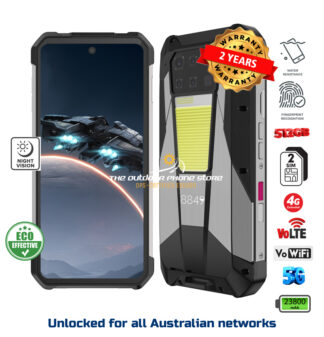
Network compatibility is equally important in Australia. Check that the device supports the frequency bands used by your selected carrier, handles 4G calling properly and is suitable for the service you intend to run. Cheap imported phones can look convincing on a specification sheet while having poor band support, unreliable software or no practical local warranty path. That is a false saving.
The phone matters as much as the PTT service
A push-to-talk app cannot fix a flimsy handset. The physical button should be easy to locate and firm enough that it will not trigger constantly in a pocket. It should also be programmable where possible, so the same device can support a PTT service, torch or another work function without confusing the user.
Audio is often overlooked. A phone that sounds fine in a quiet office can be useless near engines, pumps, grinders or wind. Look for a loud front-facing or high-output speaker, effective noise reduction for the microphone and support for compatible wired, Bluetooth or specialist audio accessories. Test it with real PPE, not just at a desk.
Battery capacity needs an honest assessment too. Long shifts, GPS use, mobile data, high screen brightness and repeated group calls all consume power. A large battery is useful, but it adds weight and can make a handset awkward on a belt or in a chest pocket. For some teams, a sensible-sized phone with a vehicle charger and spare charging points is better than the heaviest battery available.
Durability claims need the same scrutiny. An IP rating tells you something about dust and water resistance, while drop and vibration testing can indicate whether the body is built for work. Neither rating means a phone is indestructible. Seals wear, charging ports collect debris and a cracked screen can compromise water resistance. Choose a device built to take punishment, then protect it with a proper case, screen protection and sensible charging habits.
Set up the system before handing out phones
The technology is only half the job. A clear group structure stops PTT becoming a noisy free-for-all. Start with the groups people genuinely need: perhaps dispatch, each work crew, supervisors and an emergency coordination group. Avoid making every user part of every channel. When every message reaches everyone, people stop listening.
Agree on simple calling rules. Keep messages short. State who the call is for when using a large group. Pause before speaking if the service needs a moment to connect. Confirm critical instructions rather than assuming they were heard. These habits sound basic, but they make a bigger difference than another page of specifications.
Your setup should also cover what happens when someone leaves the business, loses a handset or changes roles. Managed user accounts, controlled group membership and screen locks are not bureaucracy for its own sake. They prevent former staff retaining access to work conversations and stop a misplaced phone becoming a communications risk.
For higher-risk work, keep push-to-talk within the broader safety plan. It may support emergency coordination, but it does not replace required lone-worker procedures, site radios, duress systems or emergency response processes. Workers should know who to call, which channel to use and what to do if the data network is unavailable.
Choosing between rugged smartphones and simpler handsets
A rugged smartphone is usually the practical choice when workers also need maps, job-management software, photos, barcode scanning, email or video calls. It can consolidate tools and reduce what a worker carries. The trade-off is more software to manage, a larger screen to protect and potentially more distraction if the device is not configured properly.
A simpler rugged feature phone can suit teams that only need calls, messages and push-to-talk. It is often easier to learn, harder to misuse and may offer better standby time. For school, controlled workplace or low-distraction applications, that simplicity is a strength rather than a compromise.
There is no single best device for every crew. A site supervisor may need a 5G rugged smartphone with a serious camera and navigation, while a yard hand needs loud audio, a physical PTT key and a handset that survives dust, rain and rough handling. Buying one model for everyone can simplify purchasing, but it can also force the wrong tool into the wrong job.
Questions worth asking before you buy
Before choosing a device or service, get straight answers to these practical questions:
- Does the PTT platform work on the mobile network covering our real work locations?
- Can workers operate the PTT button and audio accessories while wearing required PPE?
- Will the battery last a full shift under actual use, not just standby figures?
- Are local support, warranty repair and replacement options clear if a phone is damaged?
- Can the handset run our required work apps and support Australian carrier bands?
Rugged Phones Australia focuses on the part many buyers skip: selecting devices that are worth putting into hard use, rather than chasing the lowest advertised price. That approach matters when a failed phone costs more than the handset itself in downtime, delays and frustrated staff.
A good push-to-talk rollout starts small. Put a few properly configured phones into the hands of the people who will use them hardest, test them across normal shifts and listen to the complaints. If the button is hard to use with gloves, the speaker disappears under machinery noise or coverage drops in a critical area, find out before the whole crew is relying on it. The right device should make communication quicker without becoming another piece of gear workers have to fight with.