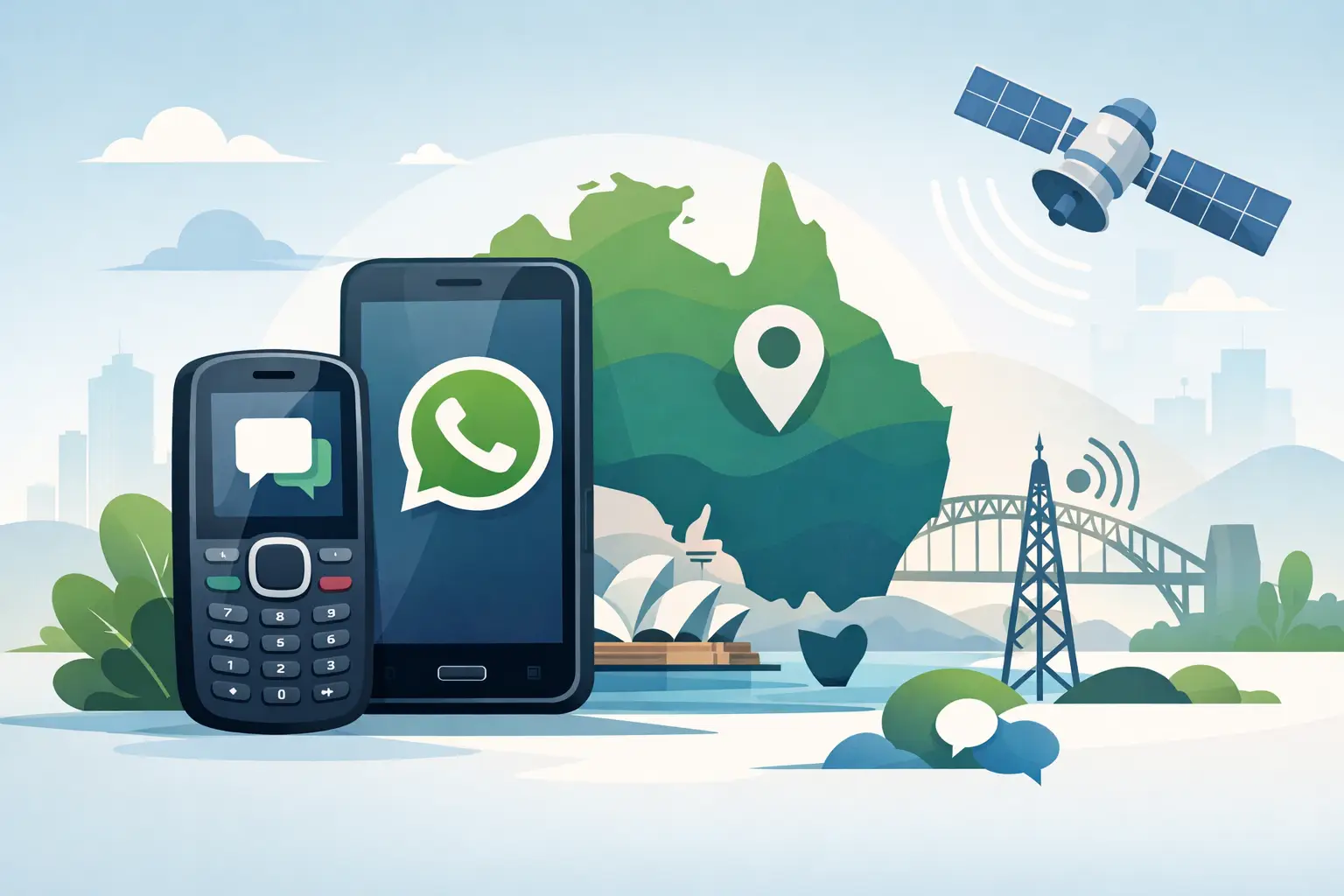
A basic phone is often the right tool on a mine site, in a tractor cab or in a school bag. It lasts longer, takes a knock and keeps distractions down. But can feature phones use WhatsApp? Sometimes, but the answer now depends far more on the phone’s operating system than on its keypad, SIM card or whether it says 4G on the box.
The short version is this: most traditional feature phones cannot run WhatsApp. Older KaiOS feature phones used to be the notable exception, but WhatsApp support for KaiOS ended in 2024. A keypad handset running a current version of Android may still run the app, provided it meets WhatsApp’s requirements. That distinction matters before you buy a phone for a worker, a child or an older family member.
Why WhatsApp on feature phones largely disappeared
For years, some smart feature phones gave buyers the middle ground: physical buttons, a small screen and selected apps including WhatsApp. KaiOS was the platform behind many of them. It was never a full smartphone experience, but it handled calls, messages and a few internet-based services well enough for people who wanted to avoid a touchscreen slab.
That route has now closed. WhatsApp ended support for KaiOS on 24 June 2024. If a listing still promotes a KaiOS phone as a WhatsApp phone, treat it cautiously. It may refer to old stock, an app that can no longer be installed or a handset that worked when the product page was first written. None of those outcomes helps when you need a phone that will work next week.
The vast majority of classic feature phones run proprietary software. Their menus can send SMS, make calls, set an alarm and perhaps use a basic browser, but they cannot install Android apps. WhatsApp is not simply a messaging service a manufacturer can add with a firmware update. It requires a supported operating system, app installation, security updates and enough processing power and memory to run properly.
Can feature phones use WhatsApp if they run Android?
Yes. A feature phone can use WhatsApp when it is really an Android device in feature-phone clothing. These handsets normally have a keypad or flip design but use Android underneath, often Android Go or another lighter Android build. If the device has access to the Google Play Store or an approved app store, supports a current enough version of Android and has adequate storage, WhatsApp can generally be installed and used.
There are trade-offs. WhatsApp on a tiny display is workable for short messages, voice notes, photos and location pins, but it is not pleasant for long group chats, spreadsheets, job photos or document review. The keypad slows typing. Video calls drain a small battery quickly. Some compact Android flip phones also have limited internal storage, so a busy work group full of images can fill the handset faster than expected.
For a worker who only needs a few WhatsApp messages, a physical keypad Android handset can be a sensible compromise. For a supervisor receiving plans, site photos, PDFs, job updates and live locations, it is usually false economy. A rugged Android smartphone with a proper screen is the more dependable work tool.
What WhatsApp needs before it will work
Do not rely on a retailer’s headline claim alone. WhatsApp’s compatibility requirements can change, and an app listing does not prove a phone will remain supported for years. Before committing, check these practical points:
- The handset runs a supported Android version, not KaiOS or proprietary feature-phone software.
- It can receive the SMS or phone call needed to verify the mobile number during setup.
- It has reliable mobile data or Wi-Fi, plus enough free storage for the app and media.
- It supports Australian 4G bands and VoLTE emergency calling on the network you intend to use.
- The supplier can clearly confirm the exact model, software version and local warranty support.
That fourth point catches plenty of buyers out. WhatsApp uses data, but a mobile must first be a dependable phone. Australia’s 3G network shutdowns exposed a lot of imported handsets that were advertised as 4G yet could not make emergency calls correctly once 3G fallback disappeared. A cheap online listing may show a WhatsApp icon while saying nothing useful about local network compatibility.
For remote work, check coverage before you choose the device as well. Telstra, Optus and Vodafone have different coverage footprints, particularly outside metro areas. No app can make up for a handset that cannot connect where the ute is parked, the stock are moving or the crew is working.
The difference between a basic phone and a limited-use phone
Many buyers asking whether feature phones can use WhatsApp are really asking a different question: how do I keep essential communication without handing someone unrestricted internet access?
A true basic phone is the cleanest answer when calls and SMS are enough. It does not run WhatsApp, social media or a full web browser because it is not designed to. That limitation is a feature, not a fault. For school policies, distraction-free workplaces, elderly users who want simple operation, or a backup phone kept in a vehicle, it can be exactly what is needed.
A limited-use Android phone sits in the middle. It can be configured around WhatsApp, calls, maps and perhaps a small number of approved work apps. This takes more setup and ongoing management, but it preserves group communication. It is better suited to a worker who needs job messages but does not need the full catalogue of consumer apps.
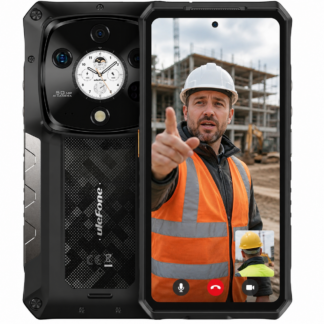
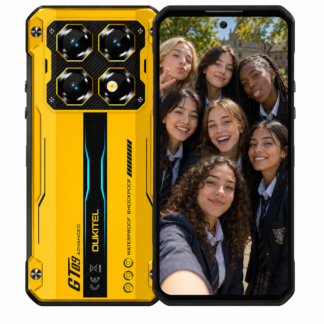
Then there is the rugged smartphone. It is the right choice when WhatsApp is part of the day’s workflow rather than an occasional convenience. Larger batteries, brighter displays, stronger cases and better cameras matter when messages include work photos, machine faults, delivery confirmations or GPS locations. The important part is choosing a device built for hard use, not a fragile mainstream phone in a thick case.
Don’t confuse WhatsApp Web with WhatsApp on the phone
A feature phone with a browser may load part of a web page, but that does not mean it can run WhatsApp Web properly. WhatsApp Web is designed to work with a supported app on a primary phone. Small-screen browsers also struggle with modern web functions, security checks and QR-code pairing.
Likewise, installing an old app file is not a proper fix. Unsupported versions can stop signing in, fail to receive messages or create a security problem. On a work device, improvised software is not clever cost-cutting. It is a predictable point of failure.
Choosing the right device for the job
Start with the communication requirement, not the label on the phone. If the person needs voice calls and SMS only, buy a proper basic phone and enjoy the long battery life and simplicity. If they need WhatsApp for a small number of messages, look for an Android-based keypad or flip handset and confirm its network support before purchase.
If WhatsApp carries real operational information, choose a rugged Android smartphone with local support and a warranty worth having. The screen, battery, camera and network hardware are not luxury extras when the phone is used in dust, rain, gloves and poor reception. They are the parts that decide whether the device remains useful after six months in the field.
At Rugged Phones Australia, the advice is deliberately plain: do not buy a so-called WhatsApp feature phone based on an old product description or a bargain price. Confirm the operating system, confirm Australian network suitability and buy for the work the phone must do. A simple phone that reliably makes calls is better than a clever-looking handset that cannot stay connected when it matters.