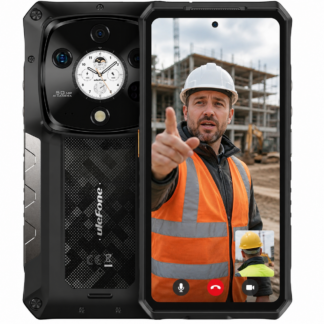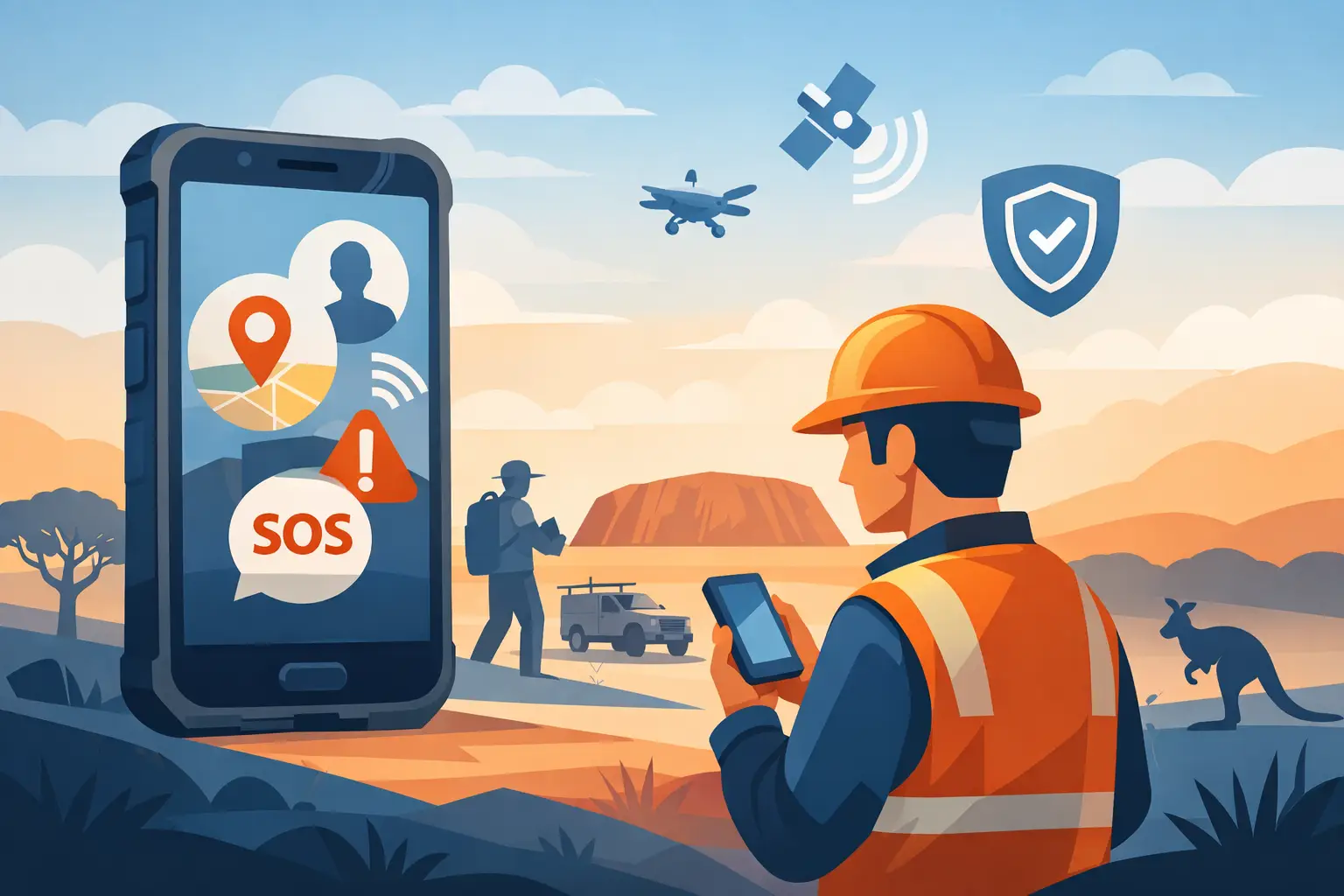
A cracked screen is inconvenient in the office. For a lone worker on a remote property, a night shift or an isolated worksite, it can be the point where a call for help becomes impossible. The best phones for lone workers are not simply the toughest-looking mobiles with the biggest battery. They need to work reliably on the networks your team actually uses, be usable with gloves or wet hands, and provide a clear path to get help when something goes wrong.
That changes the buying decision. A cheap rugged phone that cannot maintain a call, has questionable local network support or is impossible to repair is not a safety tool. It is another weak point in the job.
A phone is part of the system, not the whole system
A rugged mobile can be a critical part of lone-worker safety, but it is not a replacement for a proper risk assessment, check-in process, emergency procedure or monitored lone-worker solution where one is required. If your people work beyond mobile coverage, a personal locator beacon, satellite communicator or vehicle-mounted satellite system may also be necessary.
What a phone does well is give a worker a familiar, fast way to call 000, notify a supervisor, share a location, use a safety app and document an incident. For many roles, it also carries job sheets, maps, photos, barcode scanners and messaging in one device.
The practical question is not, “Which phone has the most features?” It is, “Will this phone still work after a long shift in dust, rain, vibration, heat and poor reception?”
What the best phones for lone workers must get right
Network compatibility comes first
Australia’s 3G shutdown has made network compatibility non-negotiable. Do not buy a grey-market device because the specification sheet says it supports 4G or 5G. It must support the right Australian network bands and, crucially, work properly with VoLTE for voice calling on your chosen carrier.
Check the mobile against the network used at each work location, not just at head office. A transport operator may move between metro areas and regional corridors. A farm contractor may work where one carrier is clearly stronger than the others. Mining and remote operations need an honest coverage plan, because no handset can create a signal where there is none.
For a lone worker, the ability to place and receive a dependable voice call matters more than a headline 5G speed figure.
A real emergency method
Look for a programmable physical SOS button or a clearly configured emergency shortcut. A physical button is useful when a worker is wearing gloves, under stress or cannot navigate a touchscreen easily. The setup should be simple: assign emergency contacts, choose whether it sends a message and location, and test the process before the phone goes into service.
Be clear about what the device actually does. An SOS button generally sends an alert through the mobile network. It does not magically contact emergency services without coverage, and it is not the same as monitored duress protection. If your operation needs escalation, welfare checks and response procedures, pair the handset with an appropriate lone-worker platform and policy.
Battery that lasts a working day, not a desk day
Large batteries are a genuine advantage for remote work. Navigation, GPS tracking, camera use, Bluetooth accessories and weak-signal searching all drain power faster than ordinary messaging. A phone that lasts two or three days between charges can remove a major failure point for workers camping out, driving long runs or working back-to-back shifts.
There is a trade-off. Extra battery capacity means extra weight and bulk. For someone carrying a handset on a harness all day, an enormous phone may become annoying enough that it gets left in the ute. The right choice is the smallest device that reliably outlasts the shift, with a vehicle charger, charging dock or spare power source where appropriate.
Protection that means more than a chunky case
Ingress protection ratings matter, but the whole build matters more. A suitable work phone should handle rain, dust, muddy gloves, vibration, drops onto hard ground and repeated charging. Look for a properly sealed body, reinforced corners, a protected USB port and a screen that remains usable when wet.
Avoid treating an IP rating as permission to abuse any handset indefinitely. Water seals wear, charging ports collect grime and impacts can compromise a device even when the glass looks fine. A good case, screen protector and charging discipline are cheap protection for a device carrying a worker’s primary communications.
Match the handset to the job, not the marketing
A site supervisor, sparky, truck driver and station hand may all work alone at times, but they do not need the same phone.
For construction, transport and general field work, a modern rugged Android phone with 4G or 5G, reliable VoLTE, a physical SOS option, NFC and a usable camera is usually the best all-round choice. It supports work apps without forcing the user to baby the device every time it hits concrete or gets caught in a downpour.
For farming, utilities and remote maintenance, battery capacity, loud speakers, glove-friendly operation and strong GPS performance often matter more than a slim profile. A bright torch can also be more useful than another camera mode when equipment fails after dark.
For electrical inspections, mechanical diagnostics and search work, a rugged phone with thermal imaging can add real value. It can help identify hot components, heat loss or an overheating bearing without carrying another device. Thermal imaging is an inspection aid, not a substitute for isolation procedures, calibrated instruments or competent assessment.
For workers who only need calling, messaging and emergency contact, a rugged feature phone can be the smarter choice. Fewer apps mean fewer distractions and less opportunity for misuse. The downside is clear: limited mapping, reporting, camera quality and compatibility with workplace software. It suits a narrow role, not a team that depends on Android applications.
Features worth paying for
The strongest devices are usually the ones that remove daily friction. Prioritise a bright display that remains readable outdoors, a speaker loud enough for a noisy plant room, physical buttons you can feel through gloves and a camera capable of capturing legible evidence in poor light.
NFC is worth having where workers use access control, tap payments or asset systems. Dual SIM capability can be useful for teams that need separate work and personal numbers, or a backup carrier arrangement, although dual SIM does not solve a lack of coverage from both networks. A microSD slot is helpful for photo-heavy roles, but only if your organisation’s data policy permits local storage.
Do not get carried away by novelty specifications. A huge battery, night vision camera or thermal module is only worth the extra cost and size when it solves a real field problem. Reliability, Australian network suitability and after-sales support should remain ahead of spec-sheet bragging rights.
Test every lone-worker phone before deployment
Do not hand out phones in their boxes and assume the job is done. Configure each handset, add emergency contacts, enable device security, install required apps and make a genuine test call. Test the SOS sequence with the worker present so they understand what happens after the button is pressed.
Then test it where the work occurs. Make calls from known weak-signal areas, confirm location sharing, check Bluetooth accessories and see whether the screen is usable with the gloves normally worn on site. If a protective case or belt holster makes the SOS button hard to reach, find out now rather than after an incident.
Keep chargers, cables, screen protectors and replacement parts standardised across the fleet where possible. A phone that is technically repairable but cannot be supported quickly is a poor fleet choice. This is why specialist suppliers such as Rugged Phones Australia focus on vetted devices and local support rather than filling a catalogue with the cheapest imports.
Buying mistakes that leave workers exposed
The first mistake is choosing by price alone. Low-cost rugged mobiles can look convincing online while using inferior components, weak software support or incompatible network configurations. The upfront saving disappears when the device fails, cannot be repaired or needs replacing after one hard knock.
The second is buying a consumer flagship and adding a heavy case. That can work for light field use, but it often falls short around dust, rain, vibration and repeated drops. A protective case is useful, but it cannot turn a fragile handset into a purpose-built work device.
The third is assuming a large battery equals safety. Battery life helps, but a flat phone is only one risk. The device still needs a workable emergency process, usable controls, coverage planning and someone who will notice when a worker does not check in.
Choose a phone your workers will carry, understand and trust. The best one is the device that keeps working when the shift runs late, the weather turns and help needs to be only one action away.