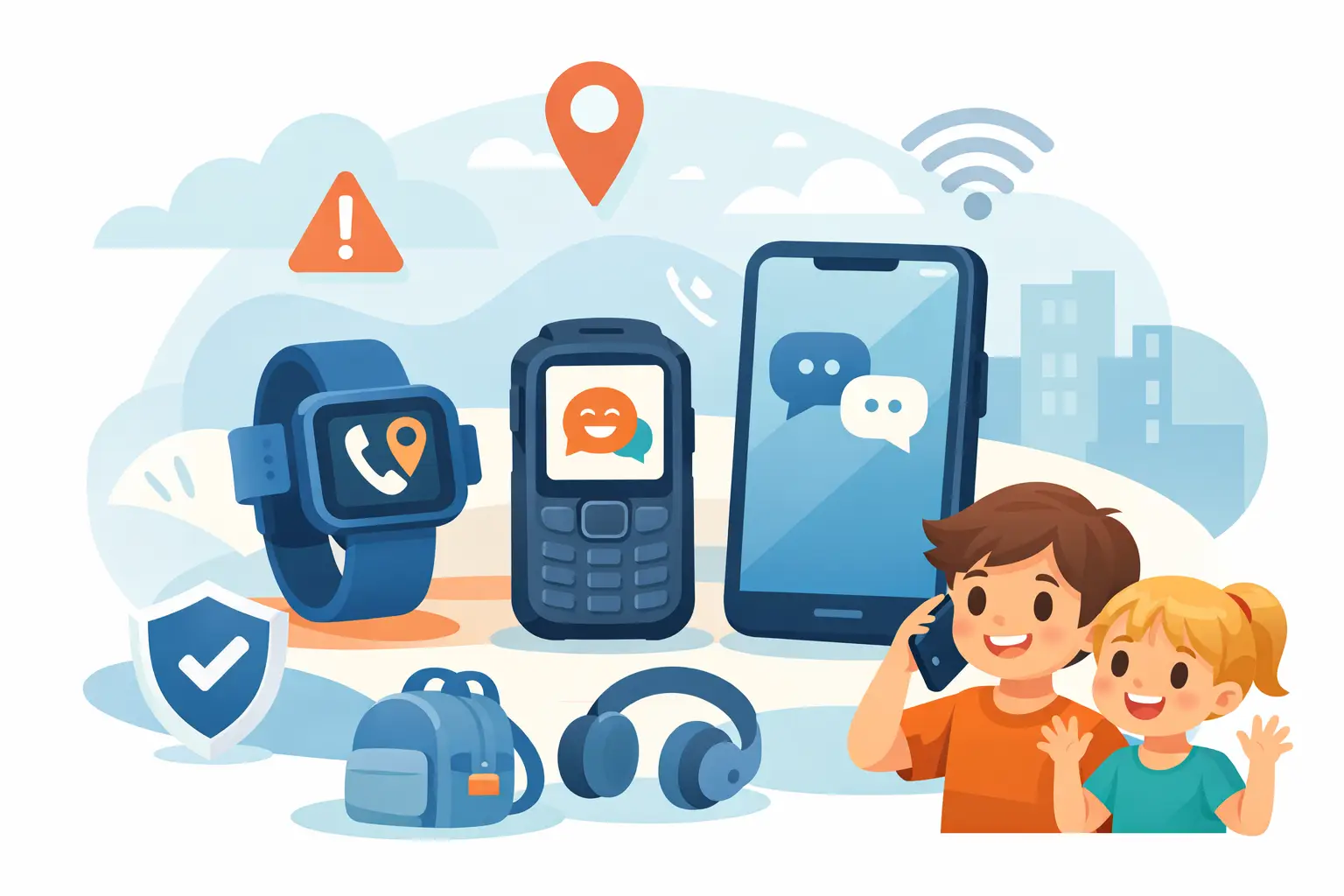
A child’s emergency phone is not a miniature entertainment centre. When they are walking home, waiting after sport, travelling between households or spending time around a farm, the job is simple: they need to be able to contact a trusted adult, and that adult needs a reliable way to reach them. The best kids emergency phone options are built around that job, not around a flashy screen or a long app list.
Parents often buy the cheapest device available, then discover the battery is flat by lunchtime, the handset has cracked after one drop, or it will not work properly where the family actually travels. A phone for emergencies needs to be boringly dependable. That is the point.
Start with the situation, not the handset
There is no single right phone for every child. A seven-year-old who needs to call Mum from school has different needs from a 13-year-old catching a bus, or a teenager helping out on a property with patchy coverage and dusty hands.
Start by deciding what the phone must do when something goes wrong. For some families, calling and texting a short approved contact list is enough. Others need location sharing, a physical SOS button, a loud speaker or a torch. Remote families may put network coverage and battery endurance ahead of almost everything else. If the child is likely to drop the phone in a creek, leave it in a ute or use it with muddy hands, a rugged build stops being a nice extra.
The mistake is paying for features that create more distractions, while missing the basic features that make the device useful under pressure.
The main kids emergency phone options
A simple feature phone
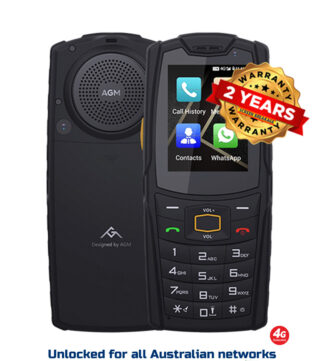
A basic 4G feature phone remains one of the strongest choices for younger children. It generally has physical buttons, a compact screen, a straightforward contact list and fewer ways to disappear into games, social media or browser content. Many are easier for a child to operate quickly than a touchscreen, particularly when they are upset, cold or wearing gloves.
This option suits primary-school children, families who want a no-internet rule, and parents who want the phone to stay a phone. The trade-off is that maps, live location tools and group messaging may be limited or unavailable. Check whether the model supports the emergency and location functions you actually want before assuming it does.
A feature phone also needs proper Australian network compatibility. Do not assume an inexpensive imported handset will work well because it says “4G” on the box. Network bands, emergency calling requirements and support after the 3G shutdown all matter. A device that cannot hold usable service where your child travels is not an emergency device.
A locked-down smartphone
For older children, a smartphone with parental controls can be the practical middle ground. It can handle calls, messages, maps, school communication and approved location sharing, while the parent controls downloads, screen time and web access.
The upside is flexibility. The downside is that it takes setup and ongoing supervision. A smartphone is only limited-use if it is configured that way. Leave it as a standard consumer phone and it becomes another camera, game console and social feed in a child’s pocket.
For emergency use, set up trusted contacts, teach the child how to call 000, enable location sharing where appropriate, and make sure the lock screen can still place an emergency call. Put a charging routine in place as well. A highly capable phone at one per cent battery is no better than a toy.
A rugged phone with controlled access
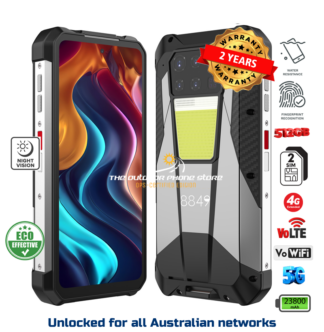
A rugged device is worth considering where the phone will live a hard life. That includes kids riding bikes on gravel roads, travelling on school buses, helping around sheds, camping, fishing or moving between regional properties. A decent rugged phone brings impact resistance, water and dust protection, a larger battery and often a stronger frame than the usual glass-backed smartphone.
This is not about making a child indestructible. It is about avoiding the common failure points: a cracked screen after a fall, a dead battery after a long day, or moisture damage from rain and wet gear. A phone with a replaceable or serviceable design is also preferable to a cheap sealed unit that becomes rubbish after one mishap.
For families that want limited digital access, purpose-built no-internet or no-social-media models are worth a serious look. They can retain the core safety function without handing over unrestricted online access too early. Rugged Phones Australia focuses on vetted devices because the rugged market is full of impressive-looking specifications attached to poor factory quality, weak network support or difficult warranty outcomes.
A kids watch phone
GPS watch phones appeal to parents of younger children because they are harder to leave in a school bag or at a mate’s house. They can provide calling, approved contacts, location information and an SOS function in a package a child wears.
They are useful, but they are not automatically the best emergency tool. Tiny screens are fiddly, microphones can struggle in wind and traffic, batteries are usually much smaller than those in a phone, and location accuracy varies. A watch is often a good first contact device for a young child, but it should not be treated as a guarantee of precise tracking or constant connectivity.
If you choose one, test calls from the places your child regularly goes: school pickup, the oval, their grandparents’ place and the route home. Marketing claims mean little if voice calls are unclear in the real world.
What matters most in an emergency phone
A good emergency device should be simple enough for a child to use without thinking. That means contacts saved clearly, a loud ringtone, readable buttons or icons, and a charging method they can manage themselves. A complicated SOS feature buried in menus is not much help under stress.
Battery life deserves more attention than most buyers give it. Look beyond the advertised capacity and consider the actual routine. Does the device need charging every night? Will the child remember? A phone that can comfortably last through a full school day, sport and a delayed pickup provides more margin when routines go sideways.
Durability matters, but do not be distracted by one headline rating. Water and dust protection are useful, yet a tough case, raised screen edges, solid buttons and a design that handles repeated drops are just as relevant. Cheap “rugged” phones often look the part but fail on touch response, charging ports, speakers or software support.
Finally, consider service. If the handset fails, can you get advice, a repair path or warranty support in Australia? The cheapest online import may save a few dollars at checkout and cost far more in frustration when it stops charging three months later.
Set the phone up before it is needed
The handset is only half the plan. Before the child carries it independently, practise using it together. Ask them to unlock it, call a parent, call another trusted adult and find the emergency call screen. Make sure they know their full name, home suburb and at least one parent’s phone number. Young children should understand that 000 is for police, fire or ambulance emergencies, not for a missed bus or a flat tyre.
Set contacts using clear labels such as “Mum”, “Dad”, “Nanna” or “Emergency Contact”, rather than names a child may not recognise. If the phone has an SOS button, test exactly what it does. Some models call contacts in sequence, some send messages, and some rely on settings that have never been configured.
A simple household rule helps: the phone is charged in the same place every night and packed before school every morning. For a child travelling in remote areas, add a car charger or power bank only if they know how to use it safely and reliably.
Do not confuse a phone with an emergency plan
A mobile can fail through flat battery, no coverage, damage or simple human error. Teach children what to do if they cannot call: go to a safe public place, ask a trusted adult for help, stay with a group, or follow the plan you have agreed for school pickups and travel changes.
For remote work and family properties, be realistic about coverage. If there is no mobile service across parts of the property or travel route, an ordinary phone cannot solve that problem. A satellite communication device, vehicle radio or a clear check-in plan may be needed alongside it.
The right choice is the one your child can operate, your network supports and your family will keep charged. Buy for the stressful moment, not the unboxing moment. A plain, tough phone that makes a clear call when plans fall apart is doing exactly what it was bought to do.