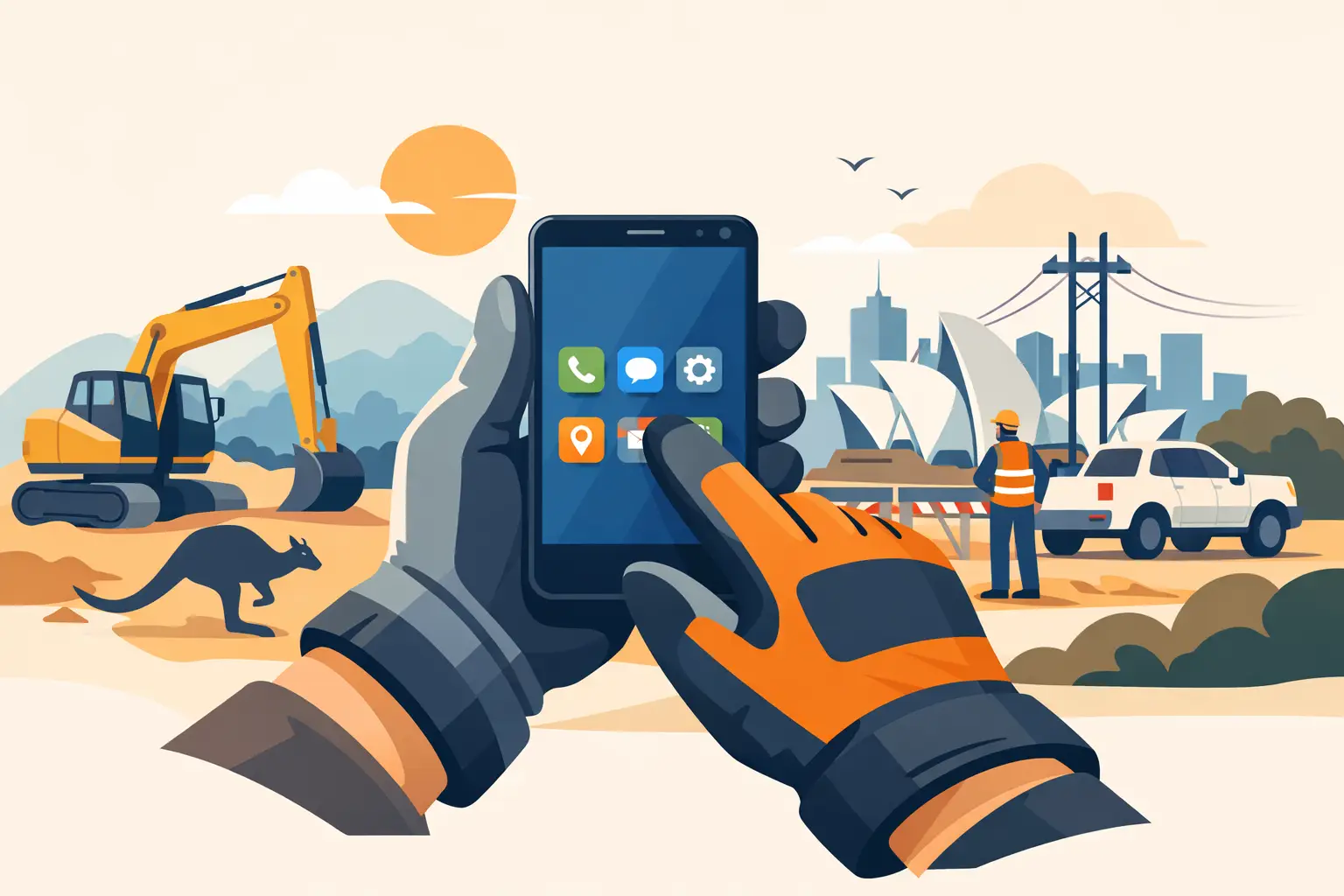
A cracked screen is annoying. A phone you cannot answer while wearing wet rigger gloves beside a drill rig, in a ute or halfway through a fencing job is a bigger problem. The best phones for gloved hands are not simply the toughest-looking handsets with the biggest battery. They need a screen that responds properly, controls you can use without taking gloves off, and hardware that keeps working after dust, rain and hard knocks.
For trades, mining, farming, transport and remote work, glove operation should be treated as a buying requirement, not a nice extra. Standard consumer mobiles are built for bare fingertips in clean, dry conditions. That is not how most hard-use jobs are done.
What makes a phone work with gloves?
Most smartphones use capacitive touchscreens. The glass detects the electrical properties of a bare finger. Thick leather, insulated winter gloves and many work gloves interrupt that connection, so tapping becomes hit-and-miss or stops altogether.
A proper glove mode increases touchscreen sensitivity so the display can better recognise input through compatible gloves. It is useful, but it is not magic. Thin nitrile gloves and touchscreen-rated work gloves generally perform better than heavy, dry leather or bulky insulated gloves. If your gloves are not conductive, no sensitivity setting can guarantee the same control as a bare finger.
This is why a serious work phone should not rely on glove mode alone. The strongest setup combines a responsive display with physical controls, a practical screen size and a user interface that does not force you to make tiny, precise taps.
Best phones for gloved hands: the features that matter
A genuine glove mode, not a vague claim
Look for a clearly stated glove mode or high-sensitivity touch setting in the device specifications. Generic product listings often claim a screen is “sensitive” without saying what it can do. That is not enough when the phone is being bought for a worksite.
Test expectations should be realistic. Glove mode is designed to help with normal taps, swipes, answering calls and opening core apps. Fine keyboard work, pinching maps and selecting tiny on-screen controls may still be awkward in thick gloves. If you spend all day completing detailed forms, use a suitable stylus where supported or plan for brief glove removal in a safe location.
Physical programmable buttons
A dedicated side button is one of the most useful features on a rugged mobile. It lets you assign a key function such as push-to-talk, torch, camera, SOS or a frequently used app. This avoids fumbling through menus when your hands are dirty or covered.
For some workers, a physical push-to-talk button is more valuable than a faster processor. A transport operator, site supervisor or farm worker can make contact quickly without unlocking the phone and hunting for an app icon. Buttons should have a distinct feel and be positioned where they will not be pressed constantly in a pocket.
A display you can actually see outside
Glove control is pointless if the screen disappears in direct sun. Choose a bright display with good outdoor readability, particularly for machinery operators, survey crews, field technicians and anyone who works outside more often than in an office.
Bigger is not always better. A large display is easier to hit with a gloved thumb and better for maps, job sheets and photos. However, an oversized handset can be uncomfortable in a trouser pocket, harder to use one-handed and more likely to catch on gear. Around the mid-to-large smartphone range is usually the practical compromise, provided the screen has enough brightness and the body remains manageable.
A tough body is only useful if the phone remains usable
IP ratings for water and dust resistance matter, as do drop-testing claims and reinforced corners. But hard-use reliability goes beyond a checklist of badges. Look at whether the charging port is protected, whether the buttons are easy to locate, whether the camera lens is recessed and whether the screen is supported by a raised bezel.
A heavily armoured phone can still be a poor choice if its touch layer is unreliable or its software is sluggish. Likewise, an attractive cheap import may quote impressive specifications but use lower-grade components, have weak quality control or offer no meaningful local support when something fails. A work phone needs to survive more than its first drop test.
Battery capacity and charging practicality
Glove users often work long shifts away from a power point. Large batteries are a major advantage, especially where the phone is running navigation, work apps, mobile data, Bluetooth accessories or push-to-talk services.
The trade-off is weight. A massive battery can turn a phone into a brick, which may be fine mounted in a cab but less comfortable on a belt all day. Consider how you carry it, how often you can charge it and whether fast charging or a replaceable charging cable arrangement suits your setup. A reliable USB-C port with proper protection is generally more useful than a headline battery figure alone.
Choose the right type of phone for your gloves and job
The best option depends on what your hands are doing, not just how rough the job sounds.
For trades and construction, prioritise glove mode, a bright screen, a programmable key and good drop protection. You may be answering calls, reading plans, taking site photos and using job-management apps between physical tasks. A full rugged smartphone makes sense here.
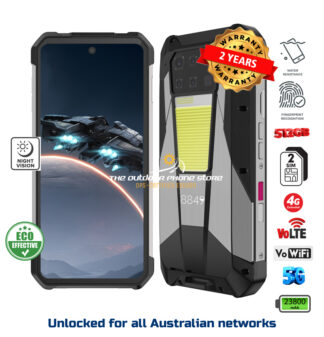
For mining, remote operations and heavy industry, add dependable network compatibility, long battery life, loud speakers and simple emergency access to the list. Thermal imaging, night vision or an extra-bright torch can be worthwhile for specific roles, but they should solve an actual task. Paying for specialist sensors you will never use is not smart buying.
For farming and outdoor work, weather resistance, GPS performance, battery life and loud call audio often matter as much as glove touch. A phone that handles mud, rain, dust and vibration while staying readable under a harsh Australian sun will earn its place quickly.
For workers who mainly need calls, messages and an emergency contact device, a rugged feature phone with real physical keys can be the better answer. It will not run every app, but it can be easier to operate in gloves and less distracting. This is also a sensible direction for schools or families wanting a limited-use phone rather than another social media machine.
Do not confuse wet touch with glove touch
These features are related but different. Wet-touch technology helps a screen recognise input when water is on the display. Glove mode helps it detect input through compatible gloves. Some rugged phones offer both, but neither should be assumed from the other.
Wet hands, rain and sweaty gloves are common on Australian jobsites, so both functions are valuable. Even then, water can cause false touches or make the screen harder to control. A programmable button to activate the torch, launch the camera or make a call gives you a fallback when touch input is messy.
Questions to ask before buying
Before committing, check whether the phone explicitly supports glove mode, which network bands it supports in Australia, and what warranty support applies locally. Ask whether the display has been tested with the type of gloves you wear, especially if they are thick, insulated or non-conductive.
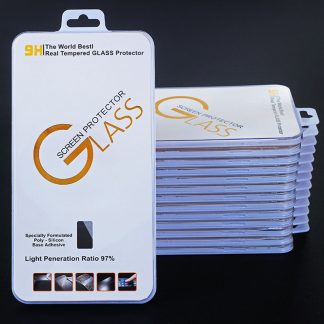
Also consider accessories. A proper belt holster, screen protector and vehicle mount can make a capable phone far more useful in the field. A bare phone thrown into a tool bag with screws, keys and chargers is being set up to fail, no matter how tough the advertising says it is.
Finally, do not buy purely on the biggest battery, highest megapixel count or the lowest price. The right device is the one that lets you answer, communicate, navigate and document work without stopping to clean your hands, remove gloves or worry about a small knock ending the day.
Rugged Phones Australia takes the practical approach: buy for the job you actually do, then choose a properly supported device with the screen controls, battery and protection to keep up. A phone that works through your gloves is not a luxury on site. It is one less interruption when there is work to get done.