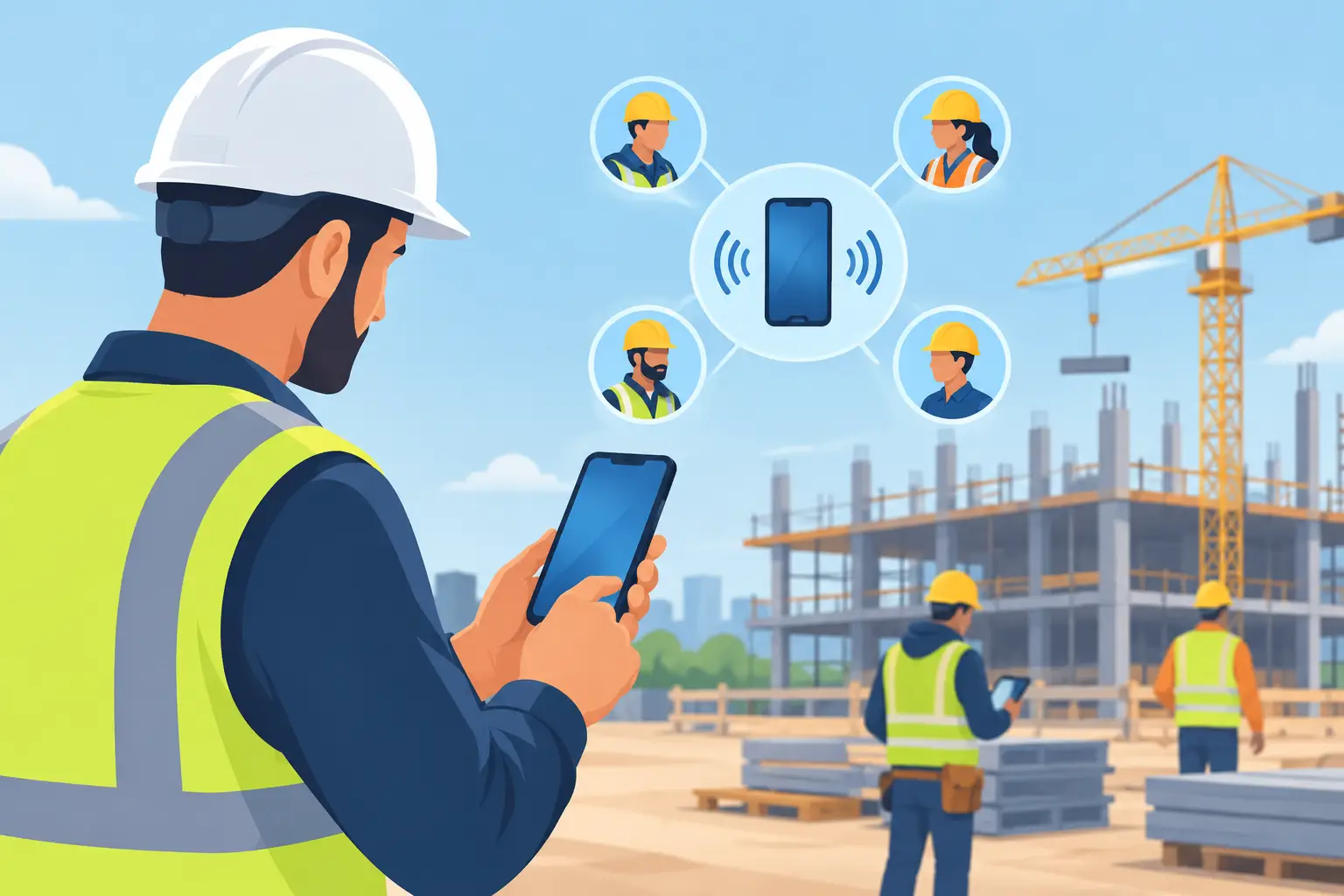
A construction phone rollout can go wrong long before the first handset hits site. Buy on price alone and you can end up with cracked screens, poor regional coverage, batteries that do not last a shift and a pile of devices nobody can repair quickly. For construction crews, a mobile is not a lifestyle accessory. It is a work tool for drawings, site photos, safety reporting, client calls, messaging and getting help when something goes wrong.
The answer is not simply to buy the toughest-looking phone in a catalogue. A proper rollout needs devices matched to the job, the network, the people using them and the support available when one is dropped off a scaffold or left in the rain.
Start the construction phone rollout with the actual work
Construction sites are not all hard on phones in the same way. A project manager moving between the office, site sheds and client meetings needs a capable smartphone with a clear display, reliable camera and enough processing power for plans and documents. A concreter, earthmoving operator or steel fixer may need something far more resistant to dust, water, vibration and repeated knocks.
Before choosing a model, identify what each group actually does with a mobile. Ask whether they need to mark up plans, use field-management software, take detailed defect photos, scan QR codes, work with gloves on or make calls in noisy plant areas. Also ask where they work. Metro projects, remote roadworks and mine-adjacent sites can have very different coverage requirements.
One device for every employee can simplify purchasing, but it is not always the smart choice. A two-tier setup often works better: a full-featured rugged smartphone for supervisors and technical staff, plus a simpler, durable handset for workers who mainly need calls, messages and emergency contact. The right approach depends on the risk, the apps required and what downtime costs your business.
Do not confuse a tough case with a rugged phone
A consumer phone in a thick case may survive the occasional drop. That does not make it suitable for constant dust, wet weather, concrete slurry, ute cabins, tool bags and long days on site. Cases can help, but they do not fix poor sealing, exposed charging ports, fragile glass or batteries designed around light everyday use.
Look for meaningful protection ratings and build quality, not just marketing language. IP ratings indicate resistance to dust and water, while drop and shock testing can offer useful guidance. Neither rating is permission to abuse a device without limits. A phone can be water-resistant yet still fail if a damaged charging flap is left open, or if it is submerged beyond the stated conditions.
The practical details matter just as much. Raised screen edges, solid corner protection, physical buttons that work with gloves, secure port covers and a grippy body all make a difference. So does repairability. A glued-shut bargain handset may look inexpensive until a broken screen or worn battery means replacing the entire device.
Check Australian network compatibility before purchasing
Network compatibility is where many cheap imported phones become an expensive headache. A device may technically connect to a network but still offer poor performance in the areas your crew works, particularly outside major cities. It may also lack the right support for voice calling as Australian networks continue retiring older services.
Confirm the device supports the bands used by your chosen carrier, including the regional coverage bands that matter to your projects. Check 4G and 5G capability where relevant, along with VoLTE support for normal voice calls. Do not assume every overseas variant is the same. Hardware specifications, firmware and supported bands can vary between versions of what appears to be the same model.
Run a field test before committing to a fleet order. Take sample devices to the actual work fronts, site offices and travel routes your teams use. Test calls, data, photo uploads and the apps that matter. A coverage map is a useful starting point, not a final answer when there are steel structures, basements, hills, plant equipment and temporary site buildings involved.
Build deployment rules before handing out phones
A phone rollout is also a process rollout. If devices arrive without enrolment, security settings, ownership records and clear user expectations, the admin burden catches up quickly.
Set each phone up before it reaches the worker. Load the required apps, apply operating-system updates, configure email and messaging access, and label the handset with an asset number. Mobile device management is worth considering if the fleet is large or the phones hold sensitive project data. It can help enforce screen locks, manage app access and remotely wipe a lost device.
Your policy should be plain enough that people will read it. Explain who owns the phone, what happens if it is lost or damaged, whether personal apps are allowed, when photos can be taken and how site images must be stored. Construction photos can contain client information, site plans, licence plates, faces and evidence for disputes. Treat them accordingly.
Charging is another issue that gets ignored. A big battery is useful, but it does not replace sensible charging arrangements. Site sheds need safe, accessible charging points. Vehicles may need quality 12V charging options. Workers using navigation, hotspotting, camera functions and video calls can drain even a large battery faster than expected.
Choose accessories that reduce downtime
The accessory budget should not be an afterthought. A reliable screen protector and properly fitted case can prevent a minor impact turning into a replacement claim. Belt clips, lanyards, vehicle mounts and charging docks can also improve how workers use and retain their devices.
Avoid cheap charging leads and vehicle adaptors of unknown quality. They are a common source of unreliable charging and damaged ports. For crews in vehicles all day, a secure mount is safer than a phone sliding across the dash or being handled while driving.
Keep a small pool of ready-to-go spare devices for critical roles. When a supervisor’s phone fails, waiting a week for a replacement can hold up reporting, access to plans and communication across the site. A configured spare reduces that disruption to a handset swap rather than a full rebuild.
Buy for service, not just the specification sheet
Specifications can look impressive on almost any product page. The real test is whether the supplier stands behind the exact device being sold. Rugged phones are especially prone to misleading comparisons because low-grade factory variants can use inferior screens, batteries or components while carrying a familiar-looking model name.
Ask practical questions before buying: Is the model supplied for Australian networks? Is there local warranty support? Can screens, batteries or accessories be sourced? What does accidental damage cover? Is the supplier experienced with hard-use industries, or simply listing hundreds of unrelated products?
At Rugged Phones Australia, the focus is on vetted devices and supportable models rather than filling a catalogue with the cheapest imports. That matters when a handset is part of your operating equipment, not a disposable personal purchase.
Roll out in stages and listen to the crew
Start with a pilot group that represents the real mix of users: a site manager, a leading hand, a plant operator, a tradesperson and someone regularly working away from town. Give the pilot enough time to expose battery issues, app problems, coverage gaps and accessory failures.
Collect specific feedback rather than asking whether workers “like” the phone. Find out whether the screen is readable in sunlight, whether gloves interfere with use, whether the charging port stays clear of dust, whether calls work in the site office and whether the phone lasts from pre-start to knock-off. These details will tell you more than a glossy specification sheet.
Then standardise the models, accessories and setup process that proved themselves. Consistency makes it easier to train staff, stock spares, order replacements and solve problems quickly.
A good construction phone rollout should make communication less fragile, not create another thing the site team has to babysit. Choose equipment that can take the work, test it where the work happens, and back it with support that is still there after the sale.